

When you’re managing dozens of accounts, tests, and hypotheses at the same time, even experienced teams can run into chaos. Who’s running traffic from this account right now? Is this a test or an already proven setup?
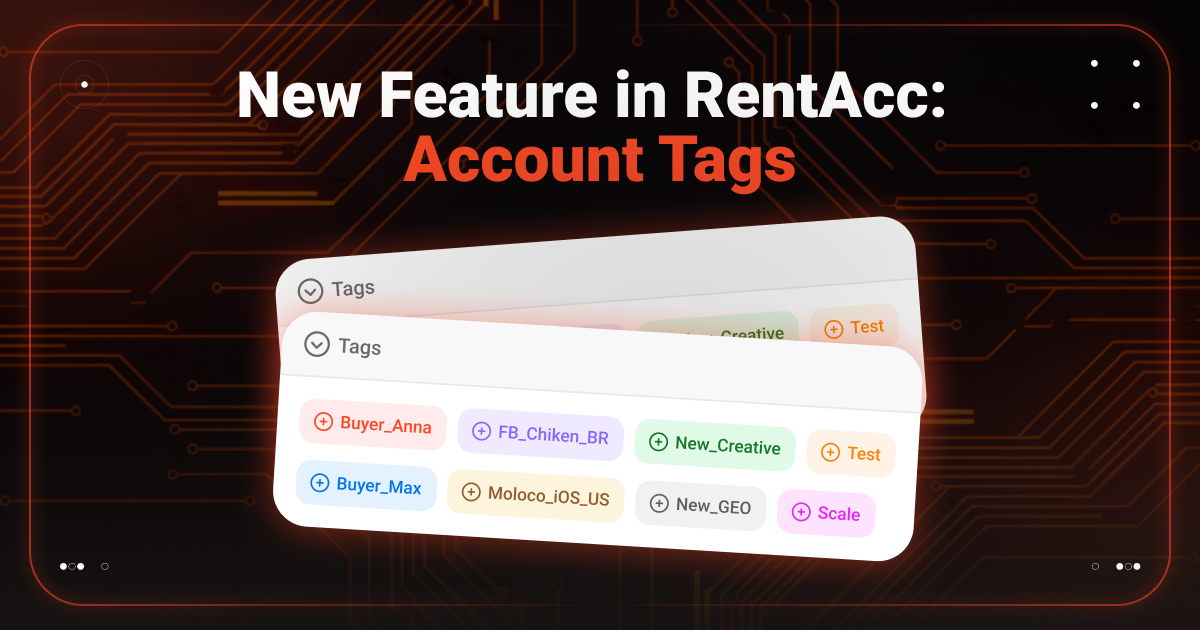
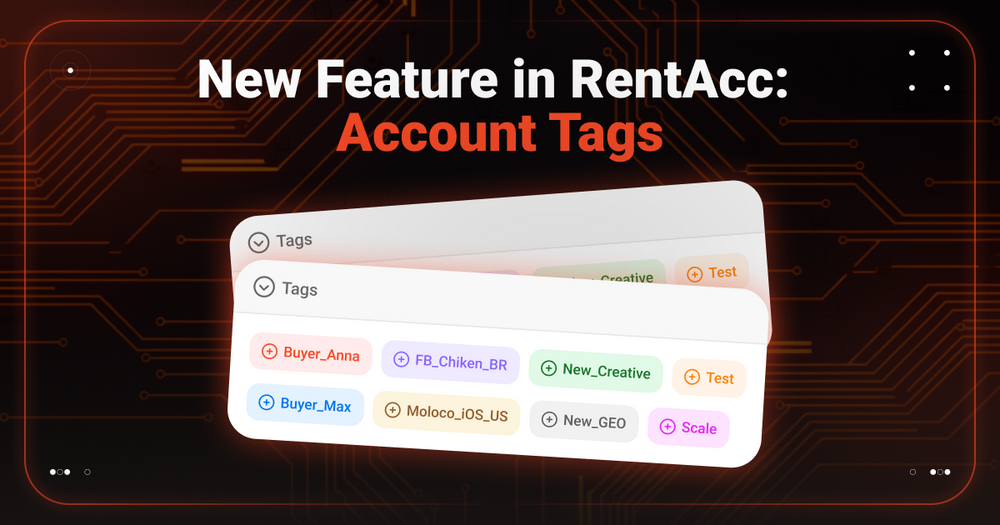
To simplify navigation and make account management more transparent, RentAcc has introduced a new feature — custom account tags.
Why Account Tags Matter
Tags are a simple but effective tool that helps structure your workflow and navigate the dashboard faster. They’re especially useful for teams and media buyers running multiple launches in parallel.
With tags, you can:
- navigate accounts faster, even when you have a large volume;
- label setups, tests, and hypotheses without relying on memory;
- organize accounts within a team and mark which buyer is working on a specific account;
- simplify final reconciliation and performance control.
Why This Feature Is Especially Useful for Teams
In team workflows, tags become more than just a convenience — they turn into a control tool:
- easier handoff of accounts between buyers;
- clearer ownership and responsibility;
- fewer mistakes caused by human factor.
As a result, there’s less manual checking, less confusion, and more transparency across processes.
How Tags Work in RentAcc
The mechanics are simple and require no extra setup:
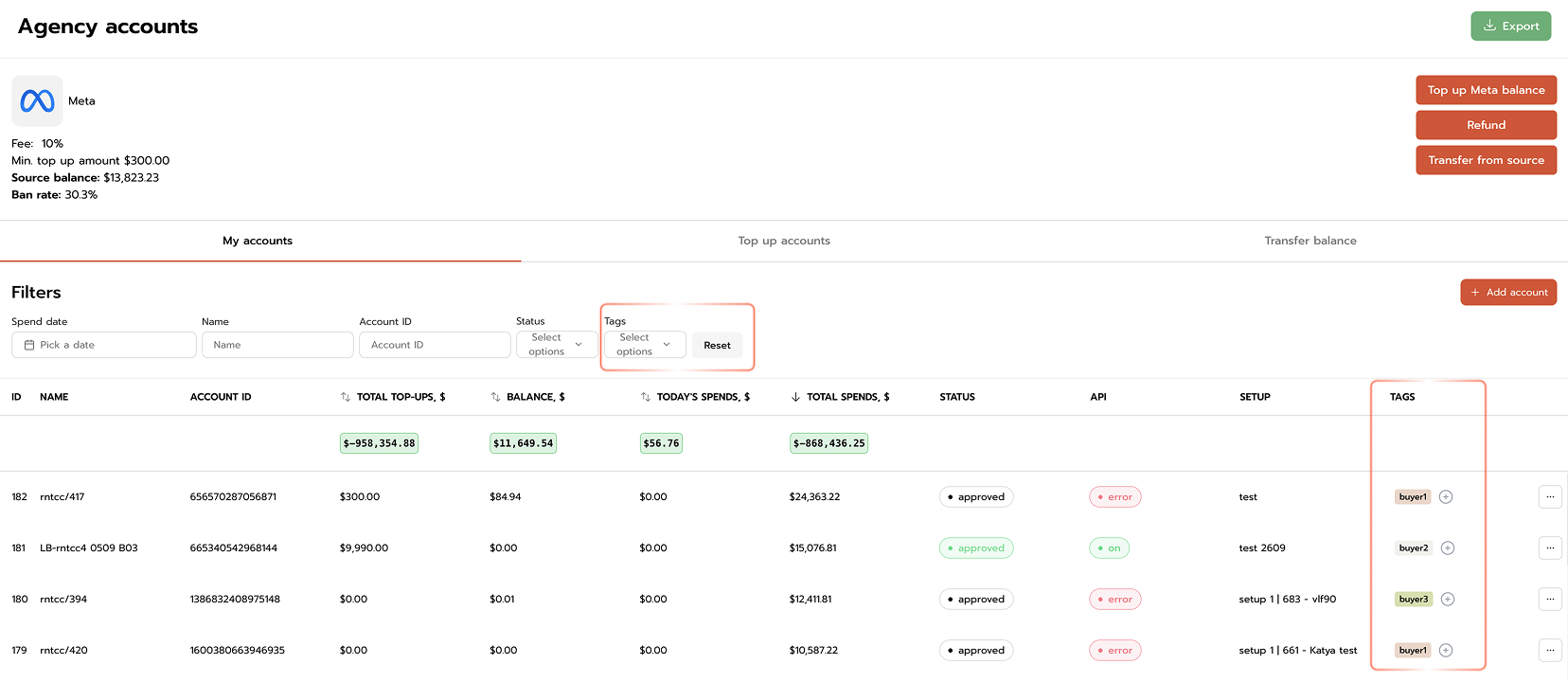
- In your dashboard, assign a tag to any account — use any text that works for you.
- Use tag filters to sort all accounts by the criteria you need.
- In just a few clicks, you’ll see only the accounts related to a specific tag.
Practical Examples of Using Tags
Tags can be adapted to any workflow. Here are a few real-life scenarios:
- By buyer:
Buyer_Anna, Buyer_Max - By status:
Test, Scale, Paused - By hypotheses:
New_Creative, New_GEO, New_App - By campaigns:
FB_Chicken_BR, Moloco_iOS_US - For reconciliation:
To_Check, Month_End
Each team decides which logic to use — RentAcc doesn’t limit the format or number of tags.
Final Takeaway
The tag feature in RentAcc is a small but highly practical update that makes working with agency accounts more convenient and manageable.
If you want less chaos, more structure, and greater transparency in your dashboard — account tags are definitely worth trying.
 Share this post