
Any ad creatives you upload to Moloco go through mandatory moderation before launch. Until they are reviewed and approved, they won’t be shown to users and no spend will begin. Since the platform works with a large number of apps, creatives must comply with the requirements of each of them.
In the Moloco Ads interface, you can see the status of each creative. It shows the stage of review and whether the ad is eligible for delivery. If a creative is rejected, the status helps you understand the reason and make the necessary fixes.
In this material, the expert team at RentAcc explains which statuses creatives can have during upload and campaign launch, what they mean in practice, and what to do if your campaign doesn’t start.
Understanding Creative Moderation Statuses
After uploading creatives, the moderation process begins. It only starts if the campaign using these creatives is in one of the active statuses — Ready, Scheduled, Active, or Paused — and after the app has been approved. We wrote more about the meaning of each of these statuses in this article.
You can check creative statuses in the Moloco Ads Manager interface. It displays the status of each creative group, as well as any errors and associated campaigns.
1. Not linked
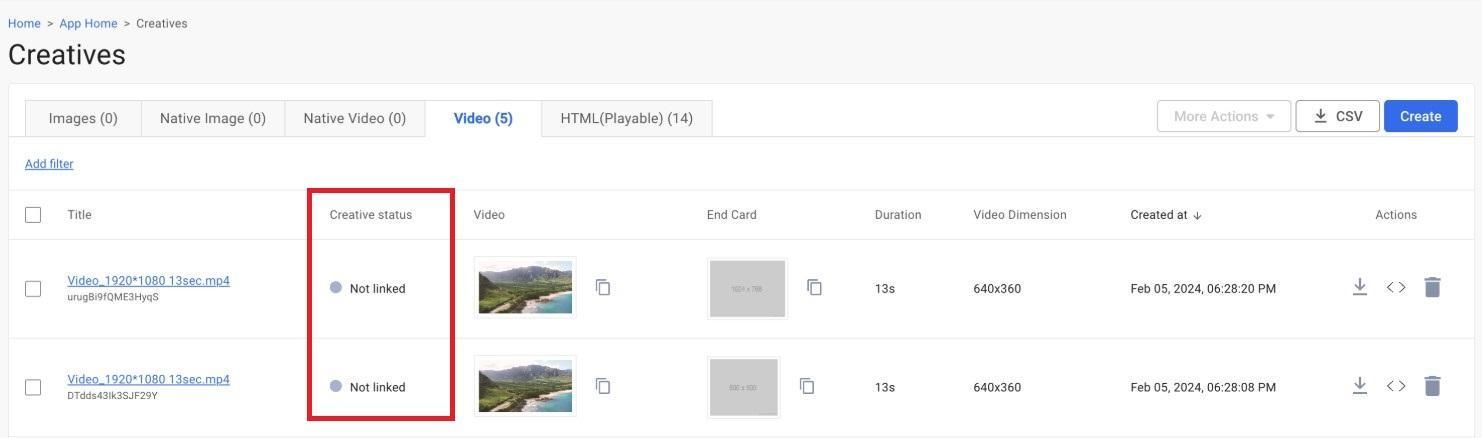
The creative is uploaded but not assigned to any active or ready-to-launch campaign. Moderation won’t start until it’s added to a campaign with status Ready, Scheduled, Active, or Paused.
2. Failed to upload
An error occurred during upload. This is most often due to file processing issues — for example, incorrect video format or transcoding errors. In this case, re-upload or replace the file.
3. Under review
The creative is being reviewed. Moderation usually takes 1 to 48 hours. If the status doesn’t change for longer, it’s worth contacting RentAcc managers — they can investigate and escalate to Moloco support if needed.
4. Approved
The creative has successfully passed moderation and can be used in campaigns. If the campaign is active, it will automatically start delivering.
5. Denied
The creative is rejected and won’t be shown. The reason is non-compliance with platform policies or inventory requirements.
If the creative is compliant (“white”), you can contact RentAcc managers to review the case and submit an appeal via support.
6. Limited
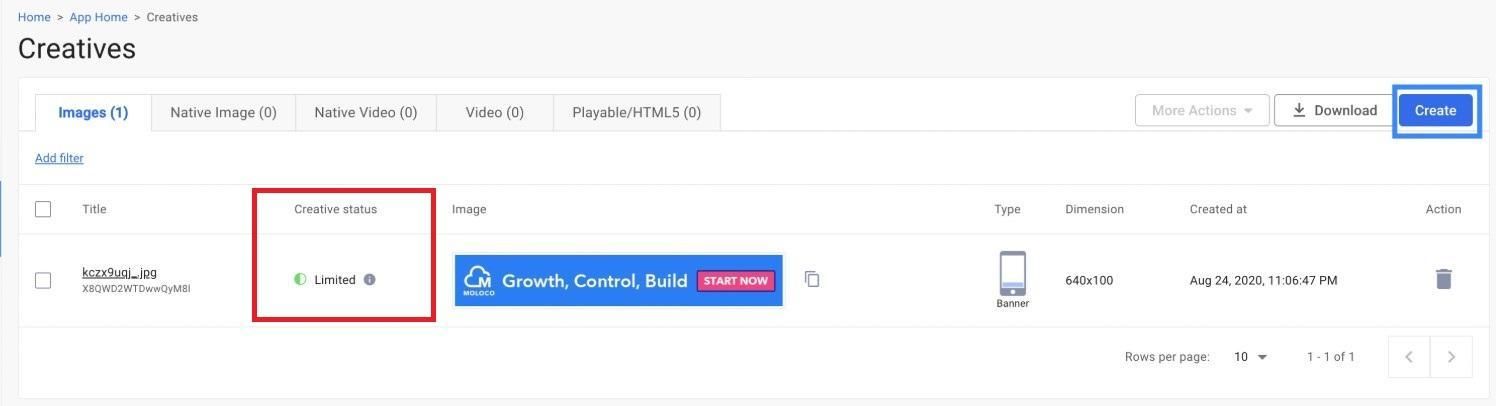
The creative is approved by Moloco but restricted by certain placements. This means that impressions are possible, but not across all available inventory. This status may also appear if some placements are still reviewing the creative.
How to Tell If a Creative Is Performing in Moloco
You can check whether a creative is working in the Creative Groups list inside Moloco Ads Manager. It shows not only statuses, but also linked campaigns and potential issues affecting delivery.
In practice, everything comes down to two main statuses.
1. Active
The creative group is working and is used in at least one active campaign. This means the ads are actually being shown to users and receiving traffic.
2. Inactive
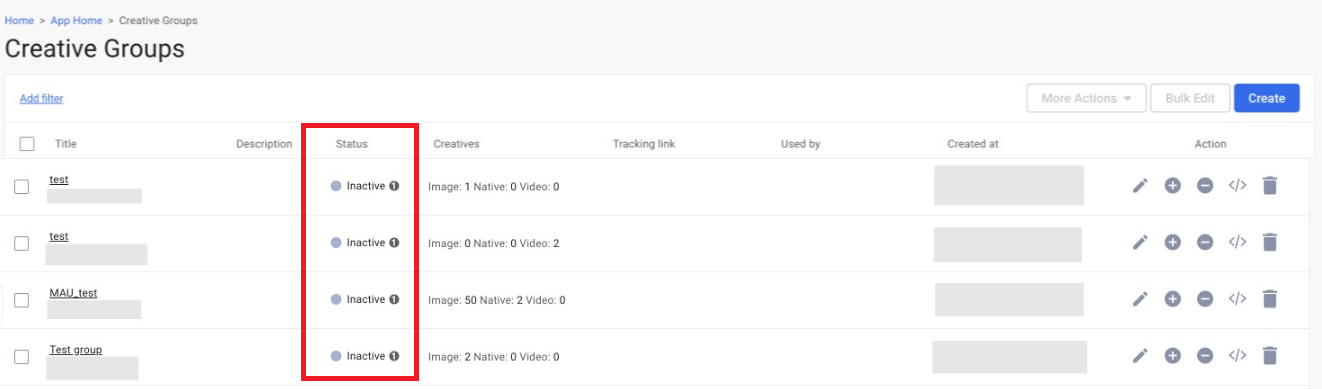
The creative is not running. There can be several reasons: the campaign is paused, the creative is not linked to an active campaign, or it didn’t pass moderation. In any case, with this status, there will be no impressions.
Why Creatives Are Inactive — and How to Fix It
If a Moloco creative has the Inactive status, the issue lies in the creative group settings or linked campaigns. Let’s break down the main reasons and solutions:
1. No Creative
This status means there are simply no assets uploaded in the creative group. Creative groups in Moloco are used to manage, analyze, and reuse creatives across campaigns. If there are no banners or videos inside the group, delivery is impossible.
Fix: Go to the Creative Group section, create a new group or edit an existing one, and upload at least one creative.
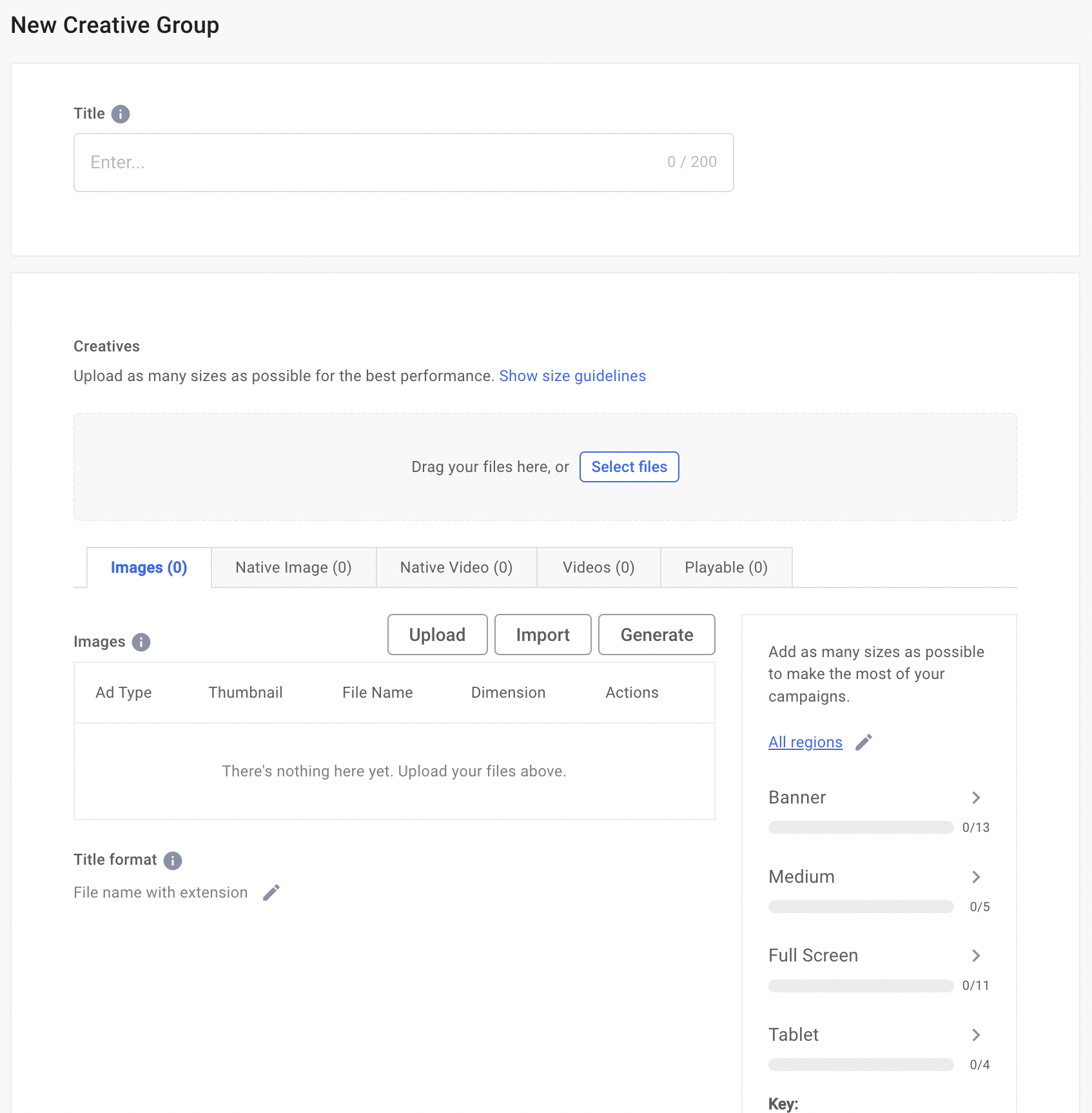
2. No Ad Group
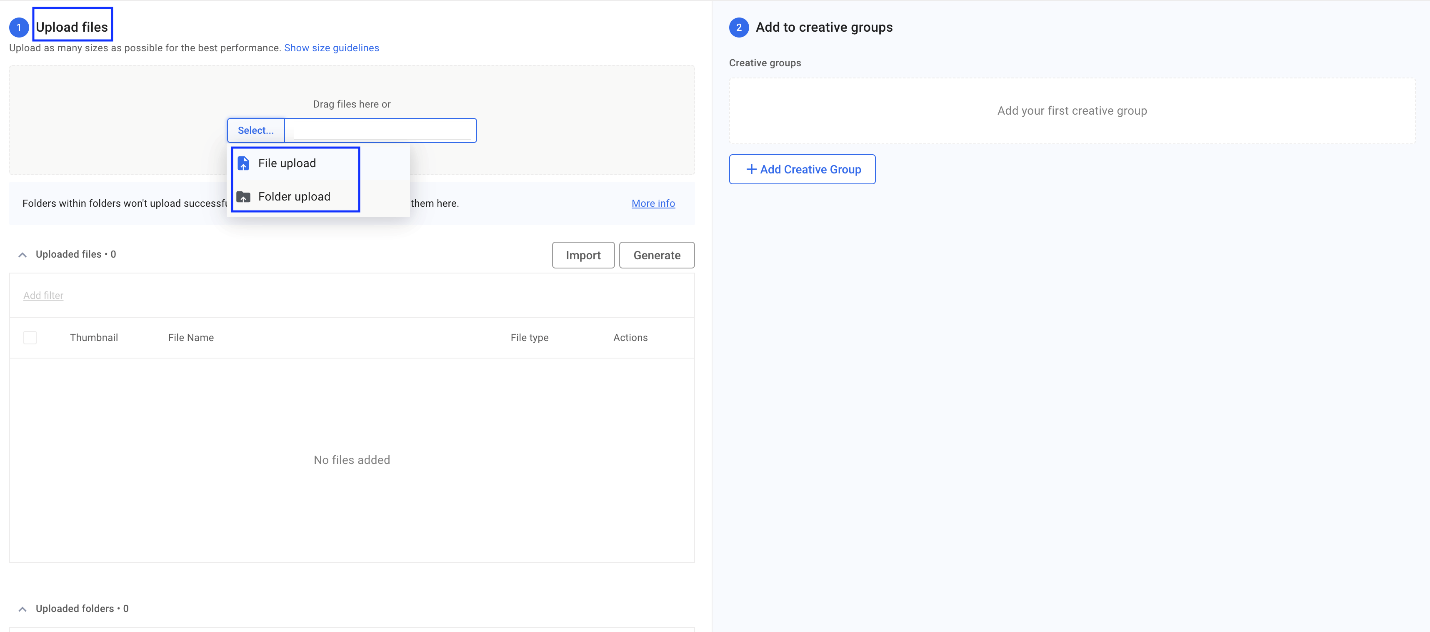
The creative group exists but is not linked to an Ad Group. Without this connection, the system doesn’t know where to use the creatives.
Fix: Link the uploaded creatives to the selected Ad Group. After that, they will be eligible for delivery.
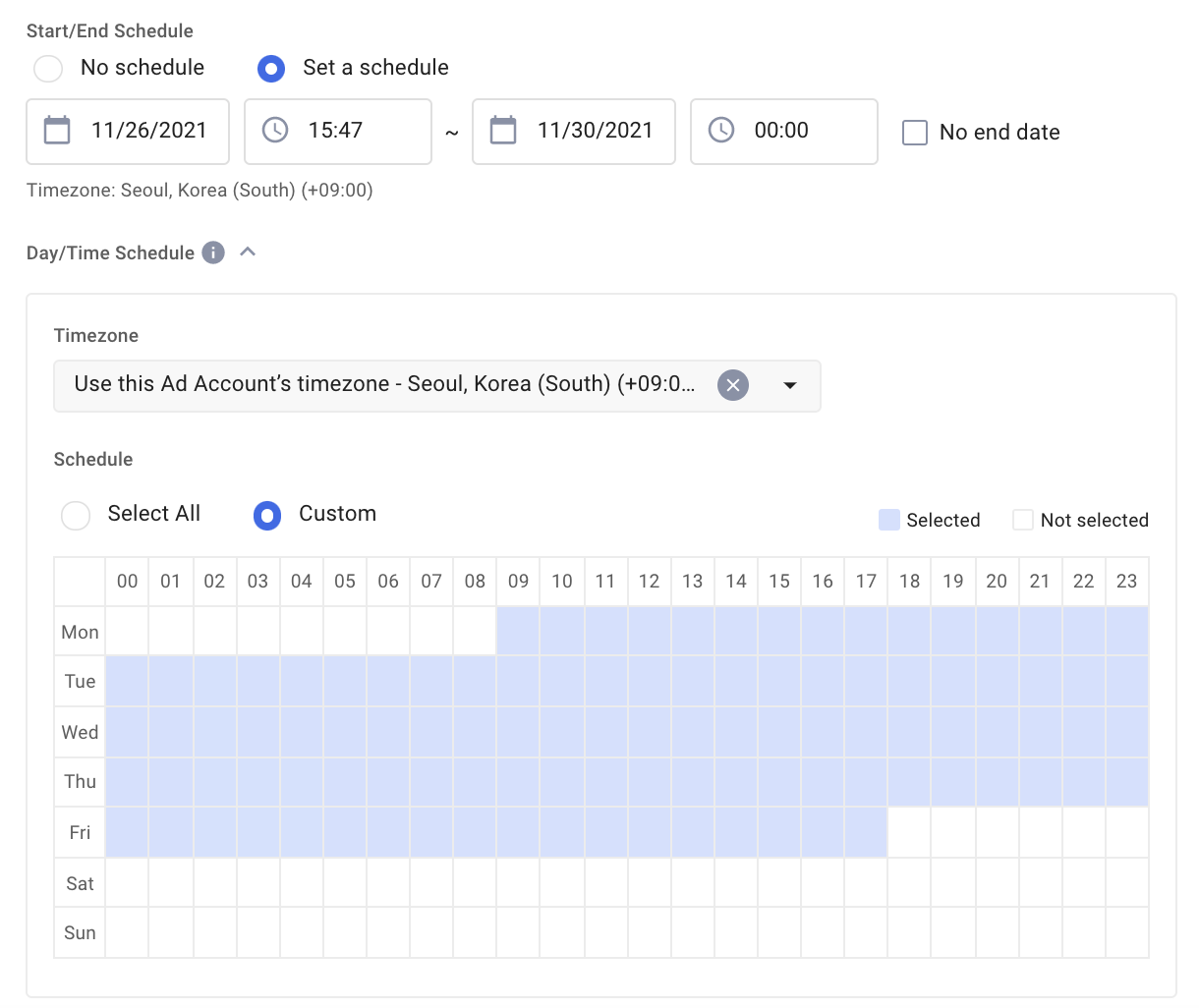
3. Day/Time Scheduled
Delivery is limited by schedule settings — for example, ads may run only on certain days or hours.
Fix: Check the scheduling settings in Moloco Ads. Adjust start/end dates if needed. If scheduling isn’t required, remove restrictions to avoid losing traffic.
4. Campaign/Ad Group Issue
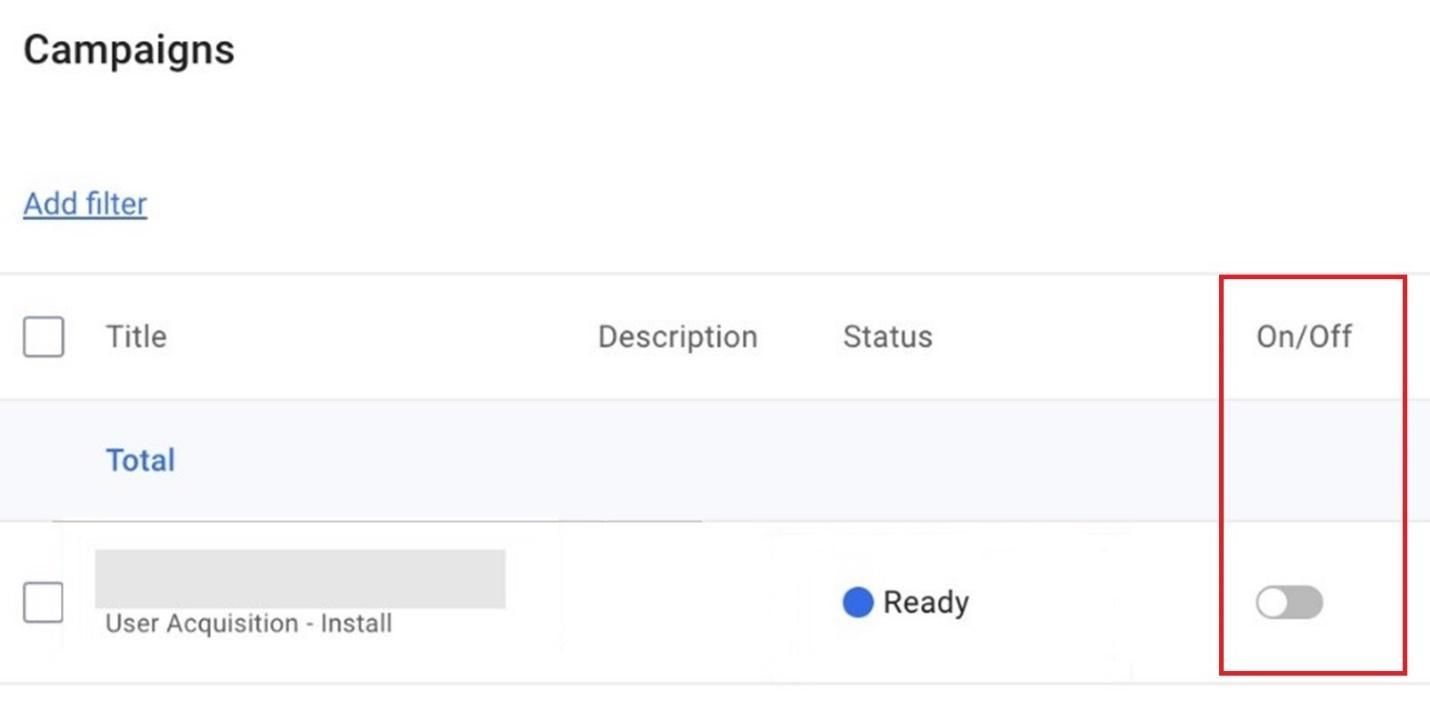
The creatives are fine, but the issue is at the campaign or Ad Group level. For example, the campaign might be in Preparing or Ready status but not actually launched.
Fix: Check the campaign status and make sure it’s active and properly configured. Once launched, the status will switch to Active and creatives will start delivering.
You can always connect an agency account via RentAcc to get full support at every stage — from creative preparation to campaign setup. With expert guidance and automation tools, you’ll be able to unlock the full potential of in-app traffic through a powerful DSP platform.
 Share this post