

Unity Ads offers two main ad formats — videos, which can be supplemented with static or dynamic end cards, and playable ads. With these ad formats, you can showcase your app to a broad audience and repeat the great success of those who have already worked with this source.
To make sure launching ads does not cause any difficulties, we decided to break down the requirements for ad formats and share creative development recommendations from the agency account rental service RentAcc.
Video-Based Formats
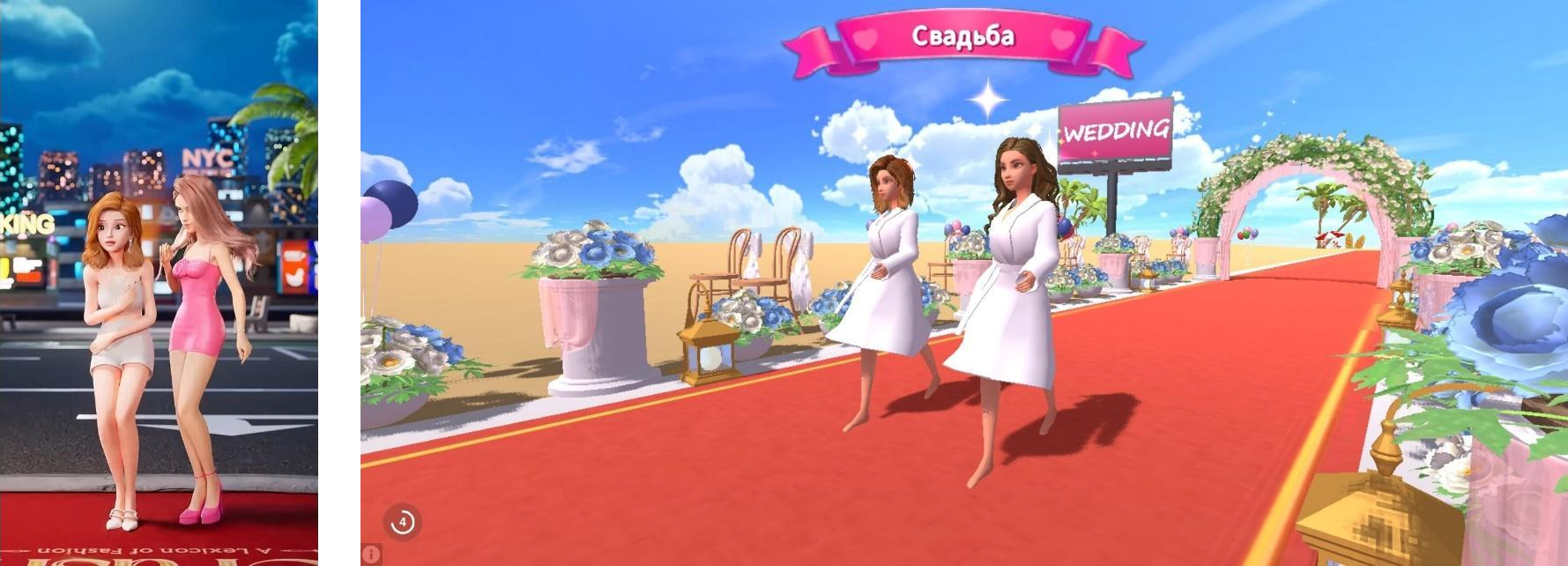
Video is the most common ad format used to promote apps and games. However, videos cannot be used on their own — they are always launched together with a final static screen (end card) or an interactive Playable Ad.
Video + Static End Card
A video with a static final screen featuring a CTA is often used in campaigns. This format works well for clearly demonstrating gameplay, the product, and the key value proposition.
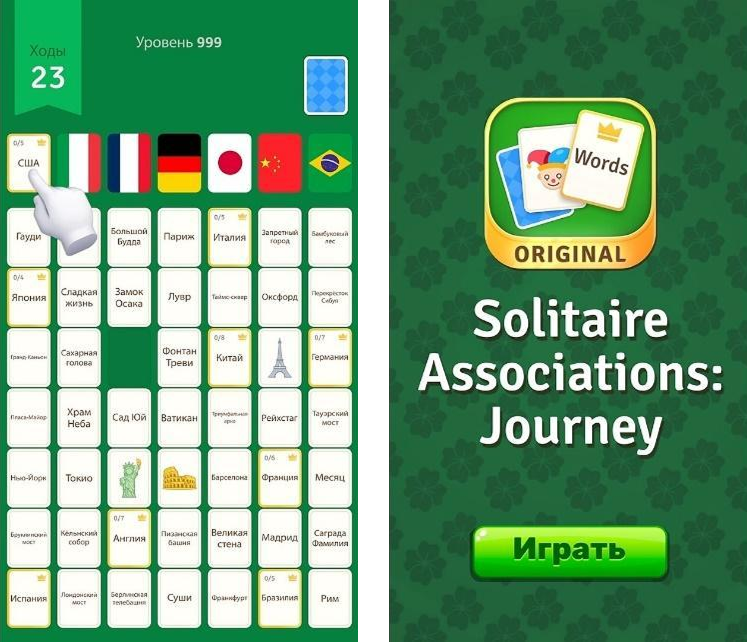
Video + Playable / Interactive End Card
Sometimes an interactive final screen is added to the video. The user not only watches the ad but also interacts with the product before proceeding to the store, which increases engagement.
Video Requirements
The optimal video length is up to 30 seconds, with a maximum allowed length of 60 seconds. The file format is MP4, with the H.264 codec.

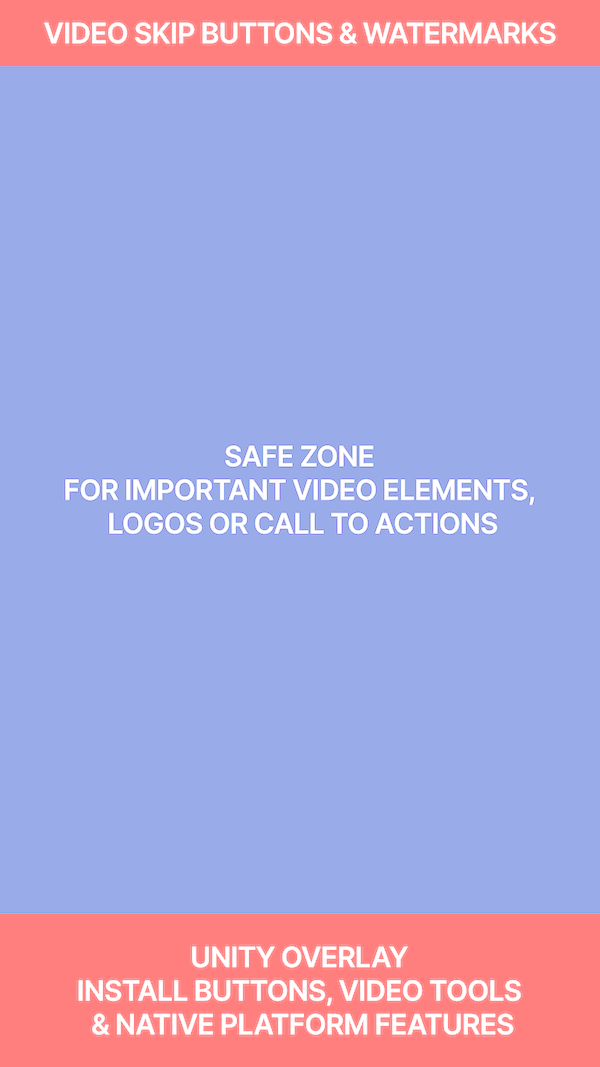
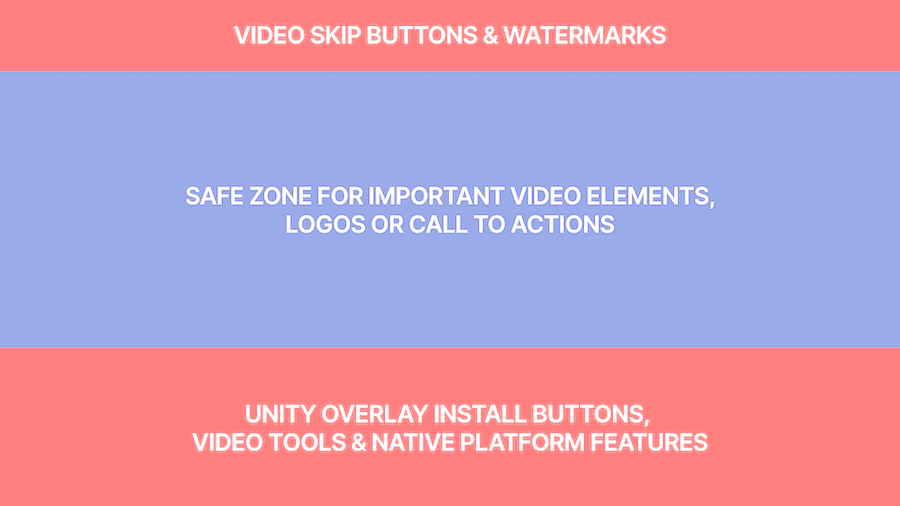
Two aspect ratios are supported:
- 16:9 for landscape orientation;
- 9:16 for portrait orientation.
Uploading separate versions for portrait and landscape orientations helps the system select the best-performing version for delivery more accurately. To ensure that all text is fully visible, use the examples below showing the correct pixel ratios for video files.
The recommended file size is up to 10 MB, with a maximum size of 100 MB. After uploading, the video goes through automatic optimization: the system adapts it to different internet connection speeds and caching parameters to ensure proper playback across different devices.
Video files can be optimized for size without any noticeable loss in visual quality, helping reduce network load and improve creative loading times. This is especially relevant for Tier-1 GEOs, where mobile data can be limited and expensive, as well as for Tier-3 countries, where users are more likely to rely on lower-performance devices and have less stable network coverage. In addition, based on campaign experience, heavier creatives can negatively affect performance: longer loading times may result in additional user drop-off before the ad is even viewed.
To make your video as engaging as possible for users, check out the tips from Unity Ads, try adding different indicators, on-screen text, voiceovers, experimenting with video length and hooks.
Standalone Playable
Interactive ads that allow users to test the gameplay and interact with the game or its characters. The player can try one of the mechanics or complete a simple action within 30–60 seconds.
The main advantage of Playable Ads is their high level of engagement. Instead of simply watching a video while waiting for the ad to become skippable, the user interacts with the game. Playable creatives generally generate greater interest in the product and attract a more motivated audience.
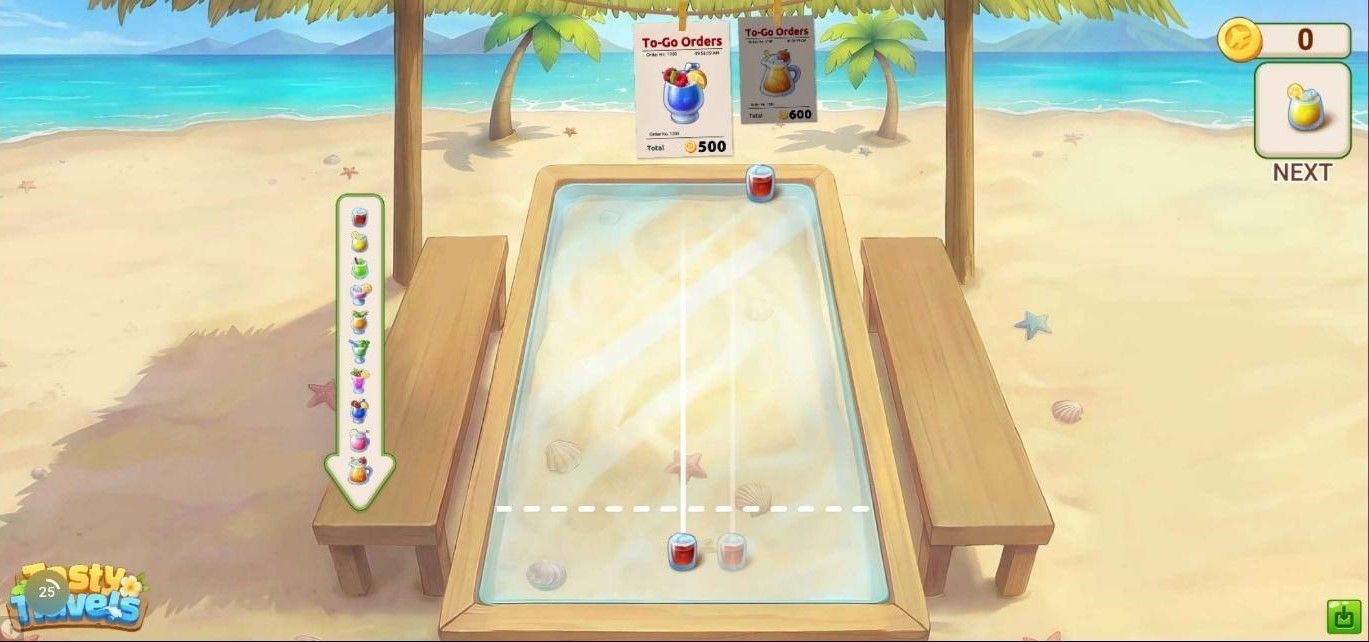
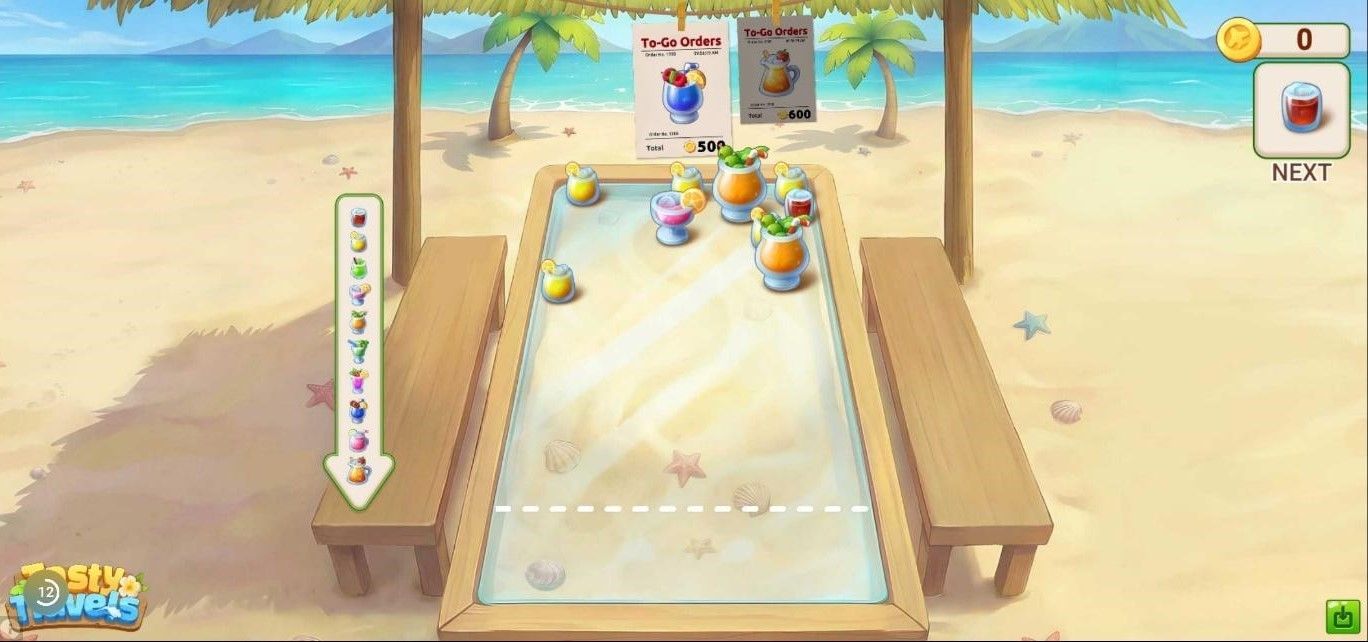
Unity Ads has a number of technical requirements for playable ads:
- the creative must consist of a single index.html file;
- the file must be fully self-contained, with no links to external files or folders;
- the HTML must be optimized for machine readability by removing unnecessary whitespace;
- the maximum file size is 5 MB;
- the creative must comply with the MRAID 2.0 specification;
- for Android, devices running Android 4.4 and above are supported;
- for iOS, devices running iOS 8.0 and above are supported;
- the creative must work correctly in both portrait and landscape orientations;
- when the mobile device screen is locked, the sound must be automatically muted and resume when the device is unlocked;
- for iOS devices, a Mute button must be provided to allow users to disable the sound;
- auto-redirects are prohibited;
- the CTA button must contain a link to the relevant app store.
This interactive format, which does not require video, is used to demonstrate product mechanics and drive deeper user engagement.
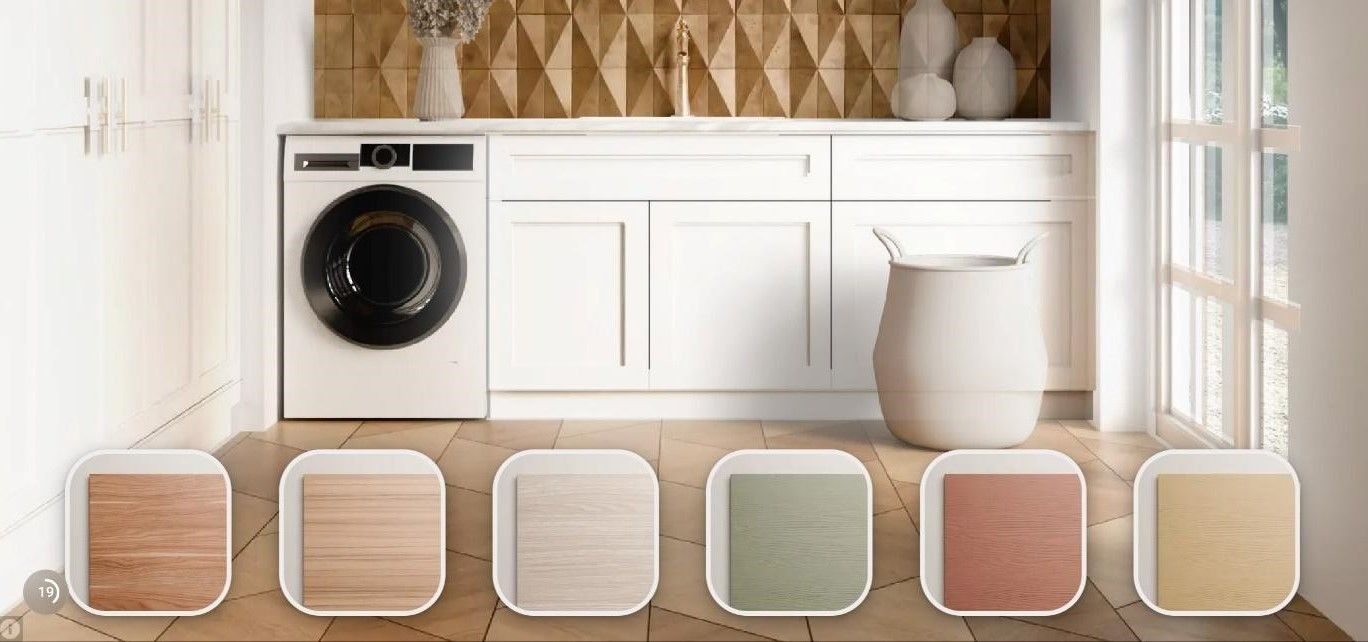
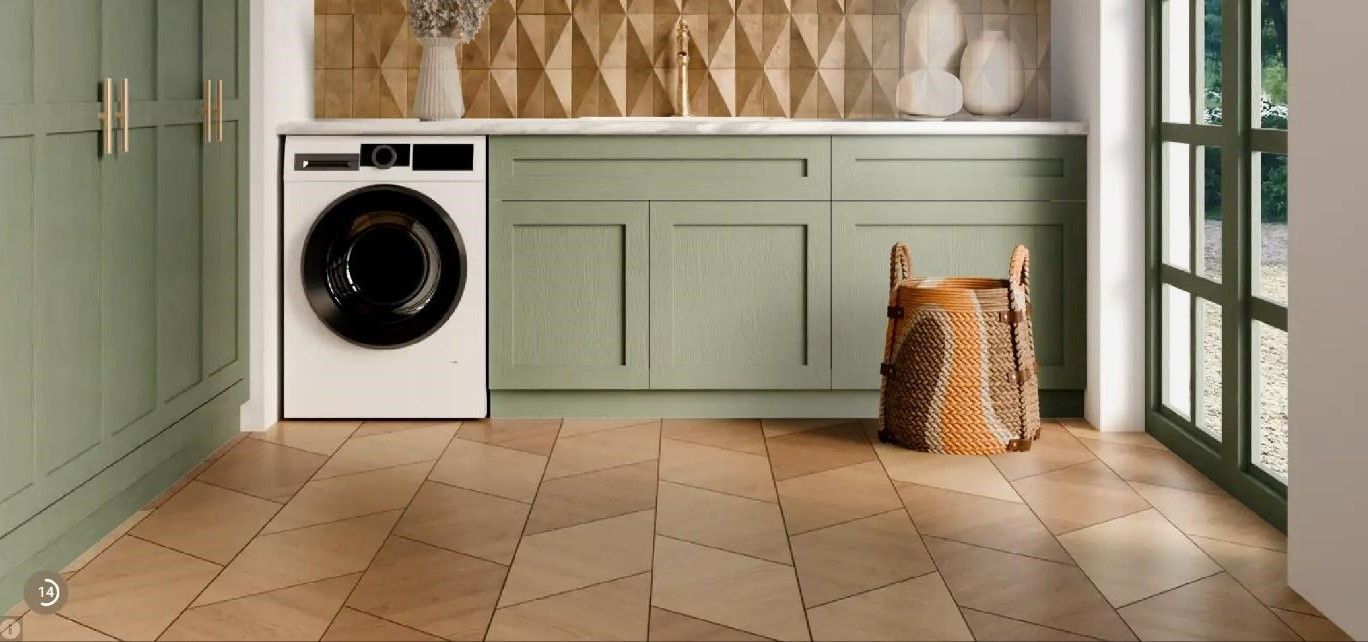
End Card Requirements
End cards are the final screen that appears after an ad is shown and contains a call to action that motivates the user to install an app or game.
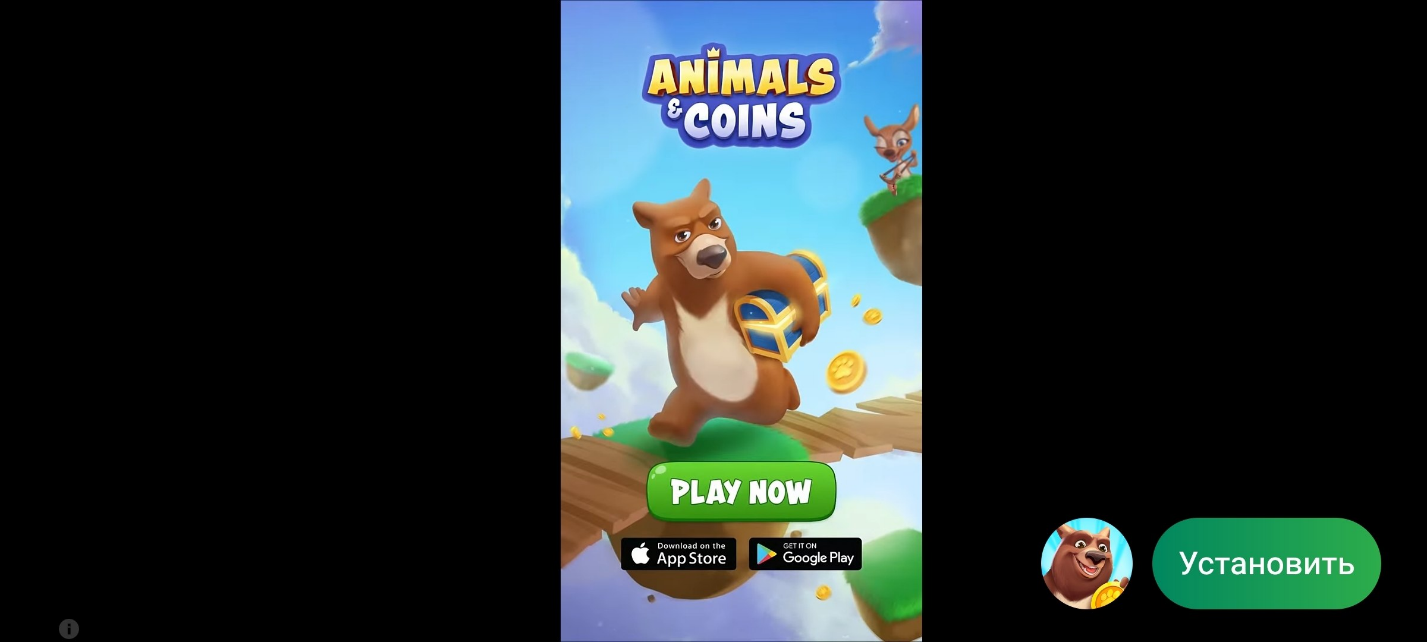
Unity Ads supports JPG, PNG, or GIF files for end cards. The main sizes are:
- 800 × 800 px — 1:1 aspect ratio;
- 800 × 600 px — 4:3 aspect ratio;
- 600 × 800 px — 3:4 aspect ratio;
The creative should not be overloaded with text — users see it for a short time, so the message should be easy to understand at a glance. It is better to use one clear CTA, a noticeable logo, and straightforward visuals with correct links to the iOS and Android app stores. In accordance with Apple's requirements, Unity recommends displaying the App Store logo on end cards for iOS according to the official Apple guidelines.
The creative should be as lightweight as possible to ensure fast loading. Compressed images (optimized JPG/PNG) are recommended, and the total file size should not exceed 5 MB. Heavier end cards may slow down loading and reduce the completion rate. Before launch, it is important to test the creative on real devices and avoid excessive animations that may negatively affect performance.
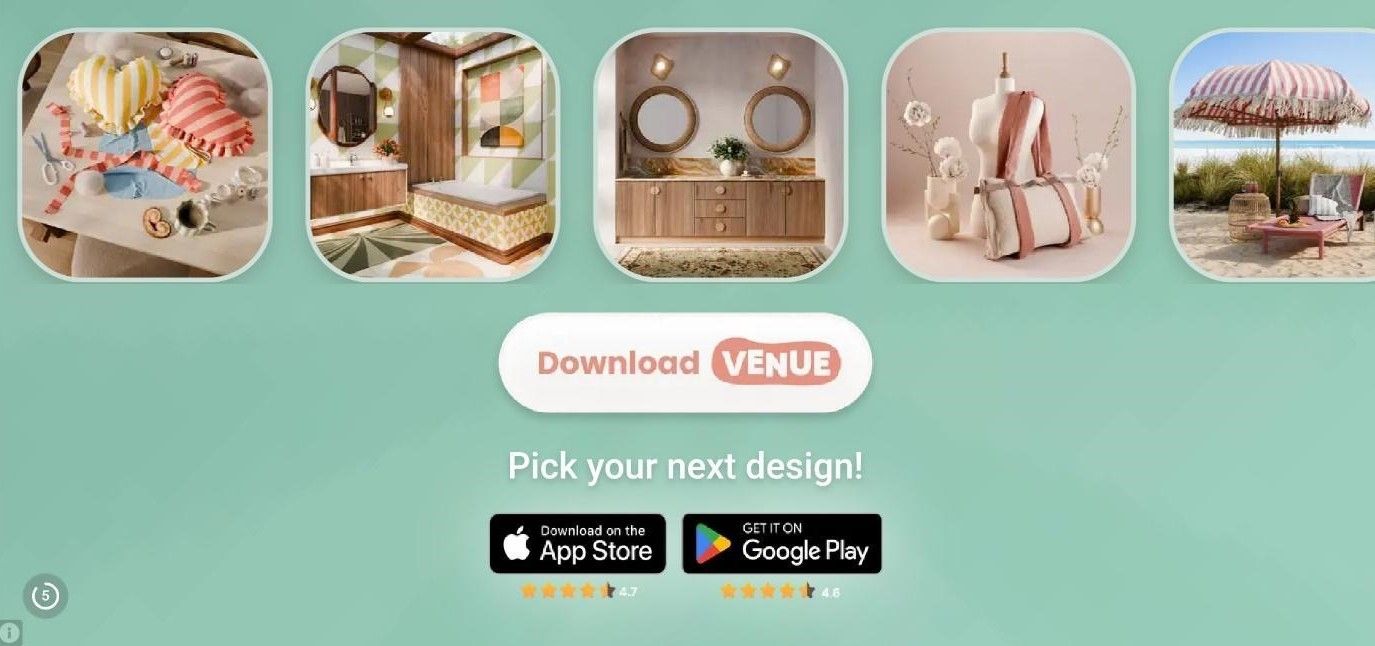
For creating interactive elements, it is recommended to use specialized tools that allow you to export HTML code. In the example below, this approach is used to create a scrolling photo strip at the top of the screen instead of a static image.
Creative Testing and Scaling
The platform recommends using multiple creative packs to expand the available inventory and increase the chances of finding a combo that delivers the best results. When launching campaigns, 2–4 creative packs are typically used simultaneously, combining different approaches. It is important to test videos of different lengths, prepare creatives for both orientations, regularly add new creatives to the combos, and update existing ones to reduce the impact of audience fatigue. We also recommend checking out the recommendations from Unity Ads experts, who have highlighted 8 tips for working with creatives to increase the number of installs.
Creatives largely determine how effectively a campaign can scale in Unity Ads.
Creative Testing campaigns are used to compare creatives under controlled conditions and find the most effective combos faster.
This format is suitable for several tasks:
- testing new concepts;
- comparing different versions of a video or end card;
- testing playable formats;
- identifying creatives with the best conversion rate.
Based on the test results, you can determine which creative packs should be moved to your main performance campaigns. When testing, it is important to change only one key element at a time — this will allow you to accurately determine what exactly affected the result. It is also recommended to run tests on an audience that is as close as possible to the one used in the main campaign.
After testing, successful creatives can be scaled in two ways:
- Through an existing campaign.
A new creative pack is added to an already running campaign with a sufficient budget and stable performance. This option is suitable for expanding successful combos without changing the campaign structure.
- Through a Creative Testing campaign.
Creatives are tested separately first, which is convenient for evaluating new ideas, seasonal concepts, or attempts to beat the current install record. Once the most effective option is identified, it is moved to the main campaign for scaling.
Both approaches are used depending on the campaign stage and testing objectives, but the core principle always remains the same — gradually selecting the creatives with the best performance.
Conclusion
For stable performance in Unity Ads, it is important to consider the platform's requirements for formats, technical specifications, and creative quality. The more accurately the ad meets all formal requirements, the easier it is to achieve proper rendering, stable traffic, and predictable performance.
Those looking to work with this mobile traffic source can choose the creative format they are most comfortable with, prepare it according to all requirements, and achieve good campaign performance through flexible campaign settings.
RentAcc experts can help you set up your work with Unity Ads at every stage — from account preparation and setup to campaign optimization and scaling of winning combos. Thanks to the tech-powered CRM platform, you can launch faster in this source and automate some routine tasks.
 Share this post